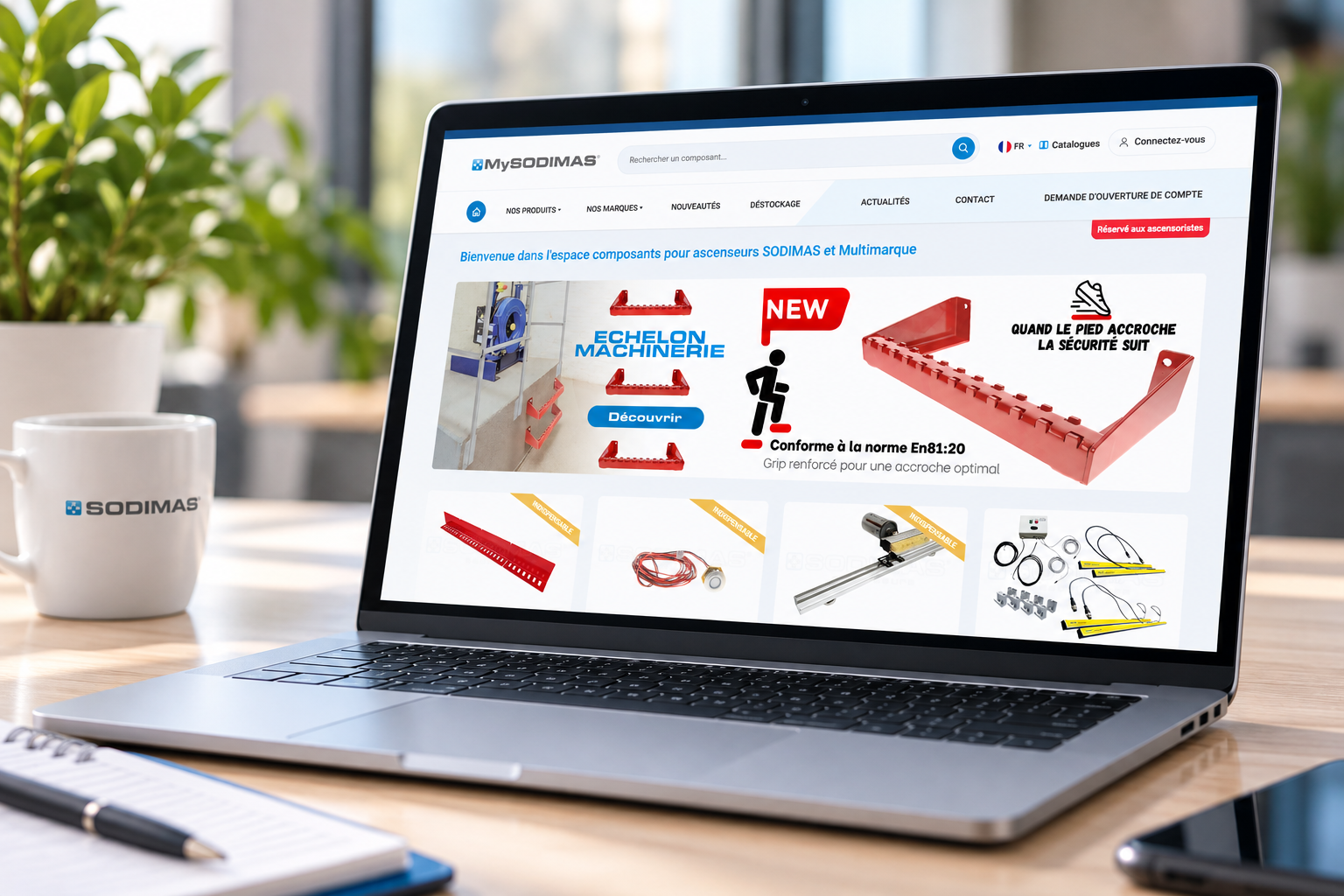
✓ optimised navigation on computer, smartphone and tablet;
✓ a more powerful search engine;
✓ optimised display of our product images;
✓ simplified login, with no password, using an e-mail code;
✓ enhanced security to protect your access and your data.
▸ Has the site address changed?
No. You will find MySodimas at the usual address: my.sodimas.com.
▸ Do my bookmarks still work?
Yes, most links to the previous version remain valid. If a link no longer works, go back to the my.sodimas.com home page and save your bookmark again.
▸ Have my terms changed (prices, discounts, delivery and payment methods)?
No. Your commercial terms, delivery addresses and payment methods have been carried over unchanged.
🔐 LOGGING IN
▸ How do I log in to the new MySodimas?
1. Click “Login”.
2. Enter your business e-mail address, the same one as before.
3. You receive a 6-digit code by e-mail, valid for 5 minutes.
4. Enter this code: you are logged in.
▸ Do I still need a password?
No. There is no longer a password to create, remember or renew. A code is sent to you by e-mail when you log in.
▸ Will I have to enter a code every time I visit?
No. On the same device and browser, you stay logged in for up to 30 days, as long as you use MySodimas at least once every 7 days. A new code is requested in three cases: after these periods, if you change device, or if you log out.
▸ I do not receive the code. What should I do?
✓ Check your junk mail (spam) folder.
✓ Check the address you entered, and correct it with “Change e-mail address” if needed.
✓ Click “Resend code”.
✓ If your mail system filters incoming e-mails, allow the address login@sodimas.net.
The code is only sent if the address matches a MySodimas account. If the problem persists, write to contact.mysodimas@sodimas.net.
▸ The code is rejected. Why?
The code is valid for 5 minutes and can only be used once. Request a new code and make sure you enter the latest one received.
▸ I no longer have access to the mailbox of my account, or my address has changed.
Since the code is sent by e-mail, you must have access to this mailbox to log in. Contact your sales representative or write to contact.mysodimas@sodimas.net. Only SODIMAS can change the address associated with your account.
▸ We use a shared account with a generic address. Is this still possible?
Yes. However, each person must have access to this mailbox to receive the code, and everyone shares the same current basket. We recommend an individual access for each colleague: everyone then has their own basket and suitable rights.
▸ How do I get an individual access?
If your company is already a customer, use the “Request access” link on the login page, or contact your sales representative. If your company is not yet a customer, use “Become a customer”.
🛒 BASKETS, QUOTES AND ORDERS
▸ Was my previous basket carried over?
No. Baskets from the previous version were not carried over. If you need an old basket or an old quote, our teams can look for it: write to contact.mysodimas@sodimas.net.
▸ Were my previous quotes carried over?
Quotes that had not been converted into orders before the change of version were not carried over (same procedure as above to find them).
▸ Why is the “Orders / Quotes in progress” section empty?
It started from scratch with the new version. It fills up with the quotes and orders you create on the new MySodimas.
▸ Have my previous orders disappeared?
No. All your orders recorded at SODIMAS remain available in the “Planning” section, whether they were placed on MySodimas or through another channel. Quotes not converted into orders do not appear there.
▸ How do I find my saved baskets?
In the “My account” menu, under “My saved baskets”.
▸ How do I pay by bank transfer?
Select bank transfer at the payment step. SODIMAS’s bank details are provided after your order is validated, on the confirmation page.
▸ A colleague sees options that I do not have (or the reverse). Why?
The available options (quotes, orders, saved baskets, validation…) depend on the rights associated with each account. To change your rights, contact your account administrator or your sales representative.
⚙️ FEATURES
▸ Will I find all the sections?
Yes. You will find in particular (depending on your rights):
✓ the catalogue and the shop;
✓ Planning;
✓ technical and commercial documentation, and downloads;
✓ project documents and DOE (as-built files);
✓ updates and corrective actions;
✓ standards and regulations;
✓ news and tips.
▸ Can the site be used on smartphones and tablets?
Yes. Mobile navigation has been completely redesigned to be simpler.
▸ Has the article search changed?
Yes. The search engine has been reworked to help you find the items you need faster.